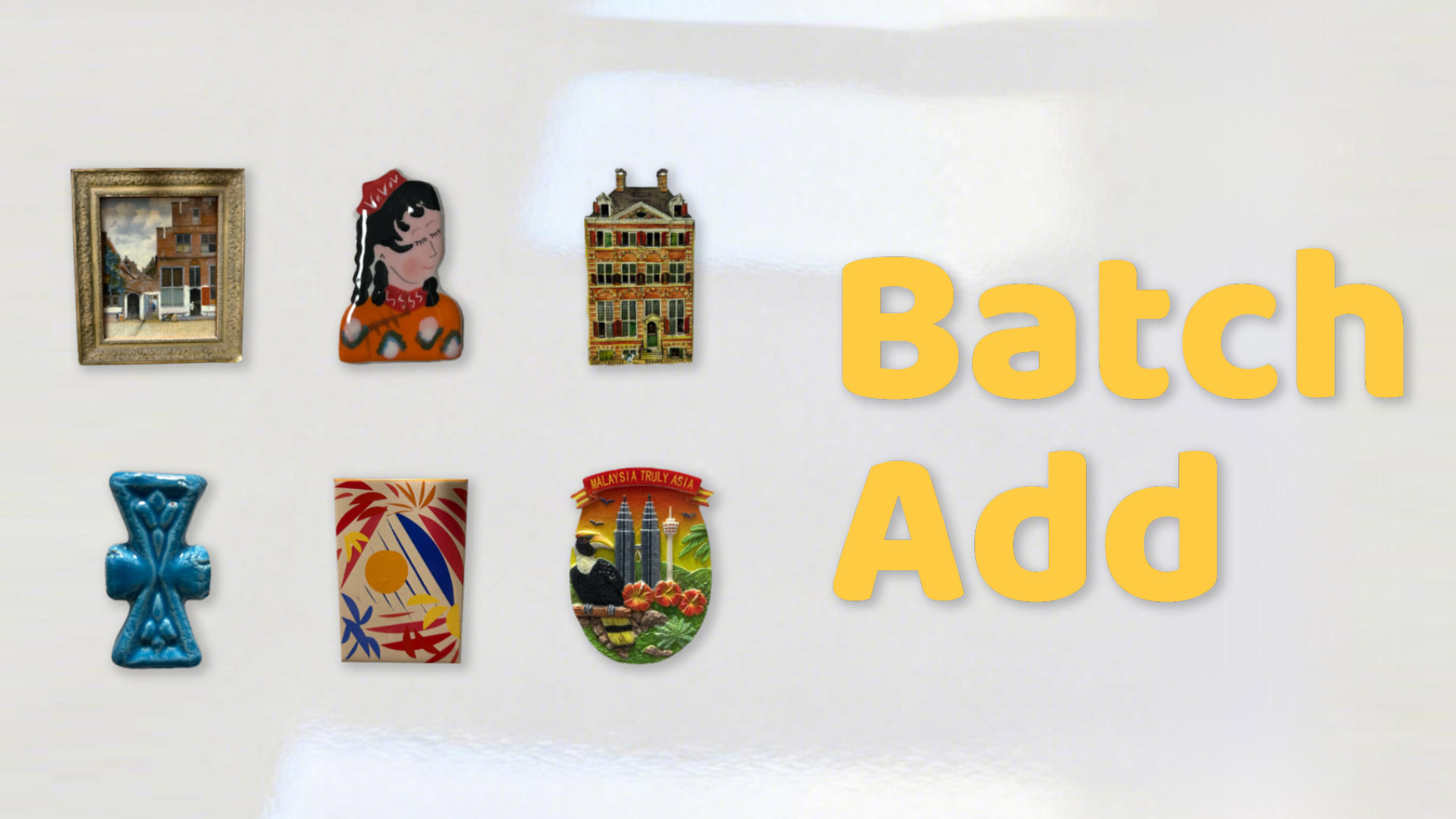
Ver 2.3 Update & New Features
We've got a big update in ver 2.3!
And here are the new features:
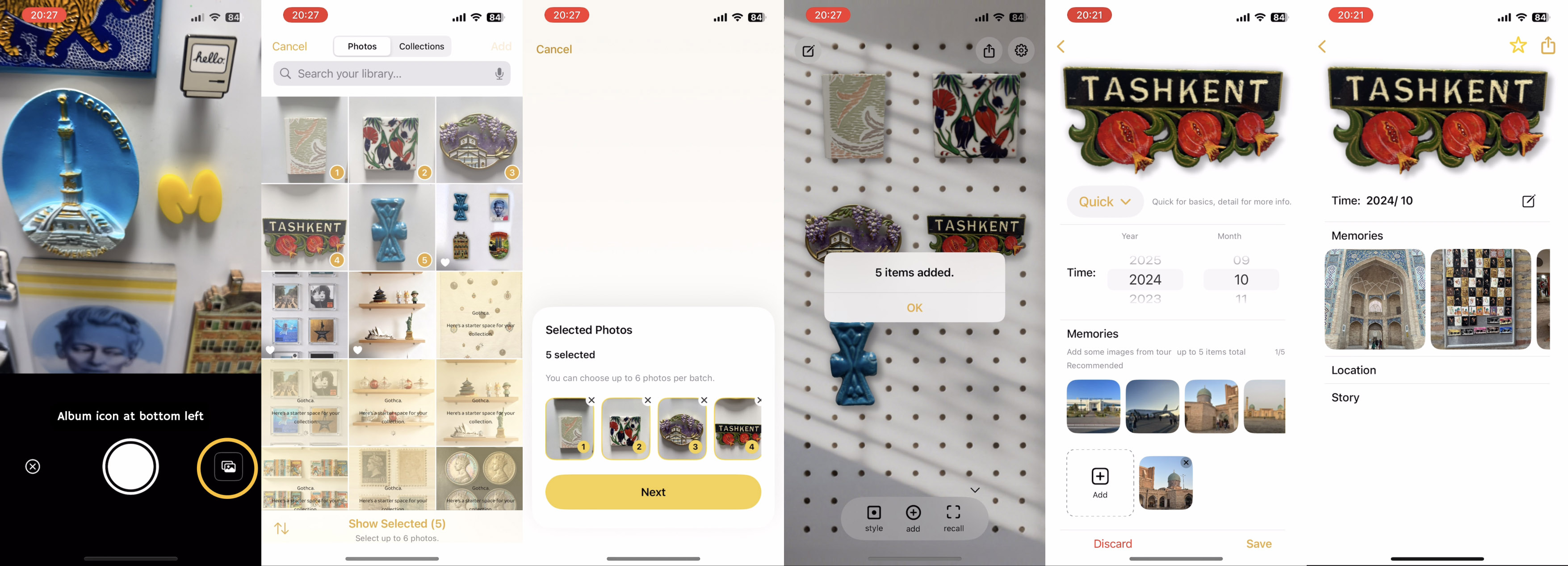
- To help you add multiple items quicker at one time, multi-item batch add mode
- To help you add info or memory photos quicker, we made a quick mode on the item page
- To help you focus on your object more, we add a crop function after you add the item image
- To help you get to the app better, we re-designed on-boarding to make it easier to use
- Better adaptation for all kinds of collection spaces
- More surprise waiting for you to find
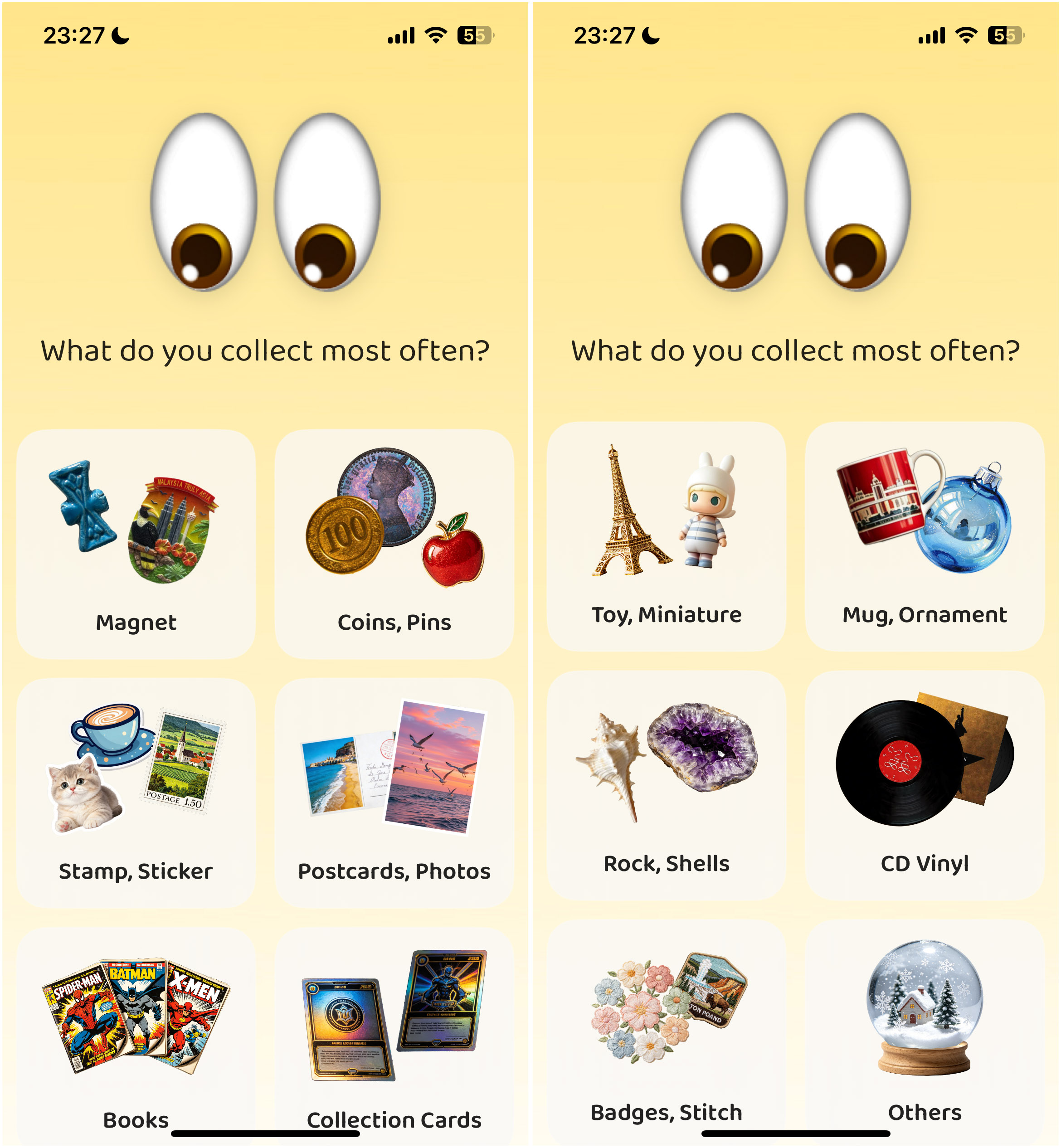
New On-Boarding
On-Boarding process was re-designed for users, to adapt to more collection types.
Batch Add & Quick Mode
Batch Add Steps
Home "Add" button - Album button - Add Multiple Photos
Then done, yopu can edit the info/ memory photos later.
We also added a quick mode for items, so you can just pick time & photos, to add info & memory photos quickly.
Get It on App Store
More surprise waiting for you to discover. 😉
 ← Back to Blog